Rippling Review 2026: HR, Payroll, IT & Workforce Management Platform
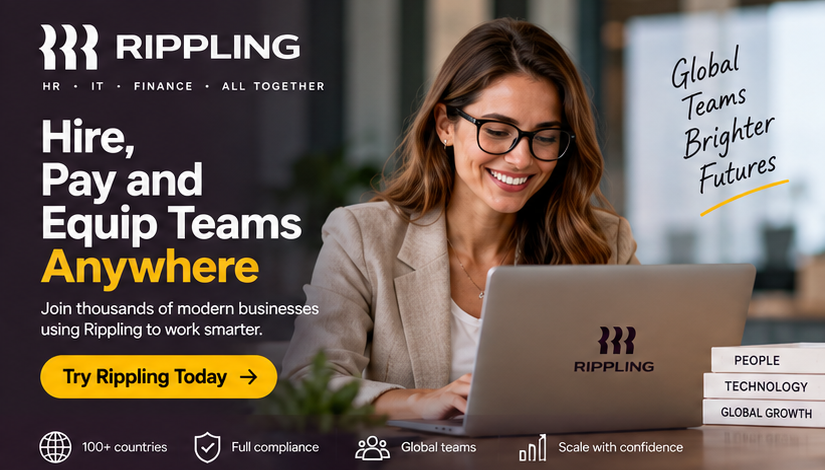
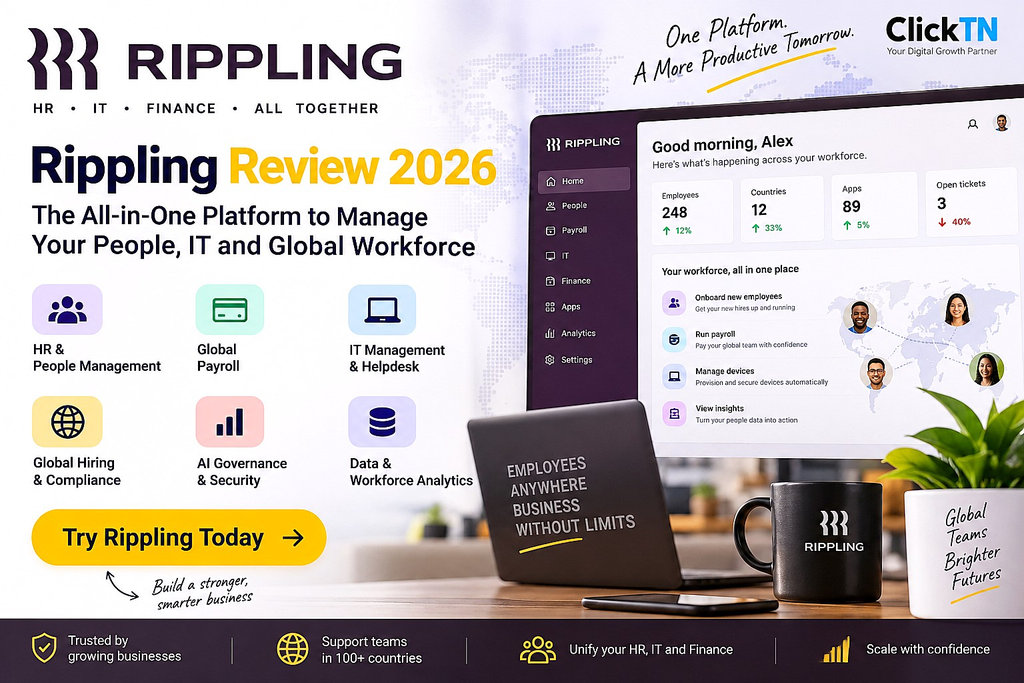
Managing HR, payroll, IT, compliance, and employee data becomes increasingly difficult as a company grows. Businesses often end up connecting several specialist tools, which can create duplicated employee records, manual workflows, and disconnected reporting.
Rippling takes a different approach: it brings HR, IT, and Finance-related workforce operations into one platform and connects employee data with workflows, permissions, integrations, and automation. Rippling says its platform supports more than 30,000 businesses, while its product ecosystem includes HR, payroll, IT, benefits, recruiting, finance, and workforce management capabilities.
In this Rippling Review 2026, we look at what the platform does, its main capabilities, where it can fit into a modern workforce stack, and what businesses should evaluate before requesting a demo.
→ Explore Rippling and request a demo
What Is Rippling?
Rippling is a workforce management platform designed to connect employee information and business workflows across HR, IT, and Finance. Instead of treating payroll, employee records, applications, devices, and workforce processes as completely separate systems, Rippling uses employee data as a central layer that can trigger actions across connected tools.
This architecture matters because an employee change can affect several systems at once. For example, onboarding a new employee may involve creating the employee record, preparing payroll, assigning benefits, provisioning applications, shipping a device, and configuring access. Rippling is designed to automate many of these connected steps from a unified employee record.
Rippling at a Glance
| Area | What Rippling Provides |
|---|---|
| HR | Employee records, onboarding, offboarding, time off, documents, workflows and HR administration |
| Payroll | Payroll capabilities integrated with workforce data and HR processes |
| Global Workforce | Tools for managing employees and contractors across different locations |
| IT | Device and application management, access controls, automation and IT helpdesk capabilities |
| AI | AI-powered workflows, analytics and newer capabilities such as AI Governance |
| Data | Data Cloud for connecting workforce and business data for analytics and AI-powered insights |
| Integrations | 650+ integrations according to Rippling’s current product information |
Key Rippling Features
1. HR and HCM
Rippling provides a centralized employee system covering areas such as onboarding, employee records, document management, time off, employee self-service, reporting, recruiting, performance management and other HR workflows.
One of the platform’s core ideas is that HR data should not remain isolated. Changes to an employee’s department, manager, location or employment status can be used to trigger workflows in other connected systems.
2. Payroll
Payroll is integrated into the broader workforce platform rather than operating as an entirely separate database. This can be useful for organizations that want employee changes, compensation information, benefits and payroll processes to remain connected.
For international businesses, however, payroll availability and compliance requirements depend on the countries and employment arrangements involved. Companies should confirm the exact countries, worker types and services they require with Rippling before making a purchasing decision.
3. Global HR and Workforce Management
Rippling offers global HR capabilities intended to help businesses manage employees across different countries from a centralized platform. Its global HRIS product includes localized employee information, currencies, documents and workforce processes.
This makes Rippling relevant to companies that are moving from a local workforce toward distributed or international teams. Businesses should still verify country-specific availability and the precise employment model they need before signing up.
4. IT and Employee Lifecycle Automation
One of Rippling’s differentiating areas is the connection between HR events and IT actions.
For example, onboarding can trigger application provisioning and device workflows, while offboarding can trigger access removal and other security-related actions. Rippling also offers IT helpdesk capabilities designed to resolve routine employee requests automatically.
For companies with growing teams, this HR-to-IT connection can reduce the number of manual handoffs between HR, IT and managers.
5. Rippling AI Governance
AI adoption is creating a new operational problem for businesses: employees can use multiple AI applications while IT teams struggle to understand spending, access, security and ownership.
Rippling AI Governance is designed to address this by helping organizations track AI usage, apply spending controls, secure access to AI tools and manage AI agent identities in the context of employee data.
Rippling’s current AI Governance offering also includes an AI Spend Console and AI Gateway capabilities for monitoring and controlling AI usage.
6. Rippling Data Cloud
Rippling Data Cloud extends the platform beyond traditional HR reporting. It is designed to connect people data with business information from other systems and provide AI-powered analysis across that data.
For example, a company could combine workforce information with data from systems such as a CRM, helpdesk or engineering platform to investigate questions that cannot be answered from HR data alone.
This approach is particularly relevant for companies that want workforce analytics to become part of broader business intelligence rather than a separate HR reporting function.
Who Is Rippling Designed For?
Rippling can be particularly relevant to businesses that are experiencing one or more of the following challenges:
- Rapid employee growth
- Distributed or international teams
- Multiple HR and payroll systems
- Manual employee onboarding and offboarding
- Complex IT provisioning and access management
- Disconnected employee and business data
- A growing number of SaaS and AI applications
- A need to automate repetitive workforce processes
Smaller companies with very simple HR requirements may not need the breadth of an integrated workforce platform. The right choice depends on the company’s size, geography, employment model, existing software stack and required workflows.
Rippling vs. Traditional HR Software
A conventional HR system may focus primarily on employee records, benefits, time off and related HR administration. Rippling’s platform approach goes further by connecting HR data with IT, payroll, applications, devices, workflows and business data.
The practical difference is less about the number of features and more about how those features interact. A business should therefore evaluate Rippling based on the workflows it wants to automate, not simply by comparing feature checklists.
Rippling vs. Deel
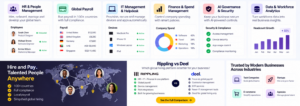
Rippling and Deel can both be relevant to companies managing distributed or international workforces, but their platform approaches and product emphasis are not identical.
Deel has a strong focus on global hiring, contractor management, payroll and employment infrastructure. Rippling combines workforce management with a broader HR, IT and Finance-oriented platform architecture.
If your main requirement is international hiring and employment infrastructure, compare the specific countries and worker types supported by each platform. If you need HR data to trigger IT, application and workforce workflows, Rippling’s integrated architecture may be particularly relevant to evaluate.
For a broader comparison, see our Deel vs. Multiplier 2026 comparison.
Rippling Pricing: What Should You Know?
Rippling does not present one universal public price that applies to every company and configuration. Pricing can depend on the products, workforce requirements, geography and services selected.
For that reason, businesses should treat third-party pricing estimates carefully and request a current quote based on their actual requirements.
Before speaking with sales, prepare information such as:
- Number of employees and contractors
- Countries where workers are located
- Current payroll provider
- HR software currently in use
- IT and device management requirements
- Benefits requirements
- Applications that need integrations
- Whether global employment support is required
Advantages to Evaluate
- Unified workforce data: HR information can serve as a foundation for connected workflows.
- HR-to-IT automation: Employee lifecycle events can trigger IT and application actions.
- Broad platform coverage: HR, payroll, IT, benefits, recruiting and other workforce functions can be managed through the same ecosystem.
- Global capabilities: The platform is designed for organizations operating across multiple locations.
- AI and analytics: Newer products extend Rippling into AI governance and cross-system business analytics.
- Integrations: Rippling advertises more than 650 integrations across its ecosystem.
Things to Consider Before Choosing Rippling
No workforce platform is automatically the right fit for every organization. Before purchasing, evaluate:
- The exact products included in your quote
- Country and worker-type availability
- Implementation requirements
- Integration requirements
- Data migration needs
- Contract terms and minimum commitments
- Payroll and compliance requirements in each country
- Whether your team actually needs the broader platform
A detailed product demo is useful because it allows your team to test the workflows that matter rather than evaluating the platform only from marketing pages.
Is Rippling Worth Considering in 2026?
Rippling is positioned as more than a conventional HRIS. Its platform connects HR data with payroll, IT, applications, workflows and increasingly AI-powered capabilities.
For a growing company, the main potential benefit is the ability to reduce the number of disconnected systems and automate processes that normally require several teams to coordinate manually.
The best way to determine whether it fits your organization is to compare your current workforce stack with the workflows Rippling can consolidate and automate.
→ Visit Rippling and request a personalized demo
Frequently Asked Questions
What is Rippling used for?
Rippling is used to manage and automate workforce operations across areas such as HR, payroll, IT, employee onboarding and offboarding, benefits, applications and workforce data.
Is Rippling an HRIS?
Yes. Rippling includes HRIS capabilities, but its platform extends beyond core HR into payroll, IT, workflows, integrations, analytics and other workforce functions.
Does Rippling support international teams?
Rippling offers global HR capabilities, but the exact services and employment arrangements available depend on the country and worker type. Companies should confirm their specific requirements with Rippling.
Does Rippling integrate with other software?
Yes. Rippling currently advertises more than 650 integrations, allowing employee data and workflows to connect with other business applications.
Does Rippling offer AI features?
Yes. Rippling has expanded its platform with AI-related capabilities, including AI-powered workflows, AI Governance and Data Cloud functionality.
How can I see whether Rippling fits my company?
The most practical approach is to request a demo and explain your workforce size, countries, existing HR and payroll systems, IT requirements and automation needs.
Final Thoughts
Rippling is built around a straightforward platform idea: employee data should connect the systems and workflows that businesses use to operate their workforce.
That approach makes the platform relevant to companies dealing with growth, distributed teams, HR complexity, IT provisioning and an expanding SaaS or AI stack. At the same time, buyers should evaluate country availability, product scope, implementation and pricing against their own requirements.
If you are currently comparing workforce management platforms, you can use the link below to explore Rippling and request a demo.
Related Articles
Continue exploring workforce management, global hiring and HR technology with these related ClickTN guides:
- Deel Review 2026: Global Hiring, Payroll & Workforce Management
- Deel vs. Multiplier 2026: Global Hiring Platform Comparison
- AI Hiring Stack in 2026: AI, Global Hiring, Compliance & Payroll
- Hiring Employees in the UAE: Compliance, Payroll & EOR Guide
Last updated: September 2026.