





*Tunisia: Oum Ettamer, Medenine 4111
*France: 28 Rue du Guet, Clamart 92140 FR

Small businesses often manage leads in spreadsheets, customer conversations across email, marketing campaigns in separate tools, and support requests in yet another inbox. As a company grows, this fragmented setup makes it harder to understand the customer journey and follow up consistently.
Salesforce Starter Suite is designed to bring essential sales, customer service, marketing, commerce, and collaboration tools together in one connected CRM platform. In this guide, we explain what Starter Suite offers, how its main features work, what it costs, and which businesses should consider it.
A simpler way to manage customer relationships
Explore Salesforce Starter Suite and see whether an all-in-one CRM can simplify your team’s daily work.
Explore Starter SuiteYou’ll be redirected to Salesforce through ClickTN’s tracked partner link. Trial and availability terms may vary by region.
Salesforce Starter Suite is an entry-level, all-in-one CRM package for small businesses that want a more organized way to attract prospects, manage customer relationships, close sales, and support customers. Instead of treating every department as a separate system, it gives teams a shared view of customer information and activity.
The suite combines tools for sales, marketing, customer service, commerce, and Slack, with guided onboarding and built-in AI assistance. The aim is to help smaller teams get started without having to design a complex CRM environment from scratch.
Starter Suite helps businesses organize accounts, contacts, leads, and opportunities in one place. Teams can follow the progress of potential deals, keep track of activities, connect email and calendars, and use reports and dashboards to understand their sales pipeline.
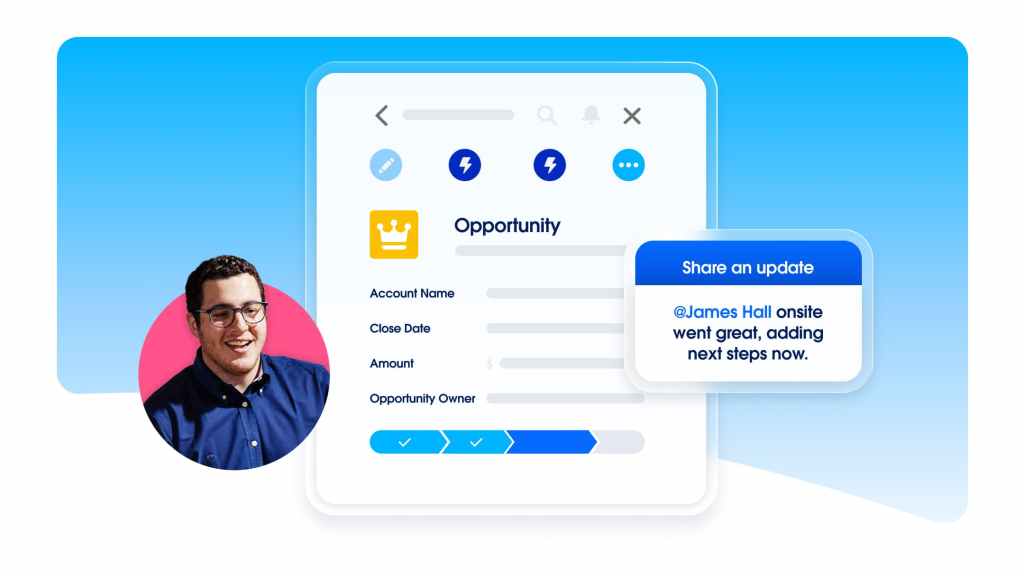
This is useful when several people are involved in customer acquisition and need a consistent record of conversations, next steps, and deal status. Built-in sales flows and lead routing can also help teams handle incoming opportunities more systematically.
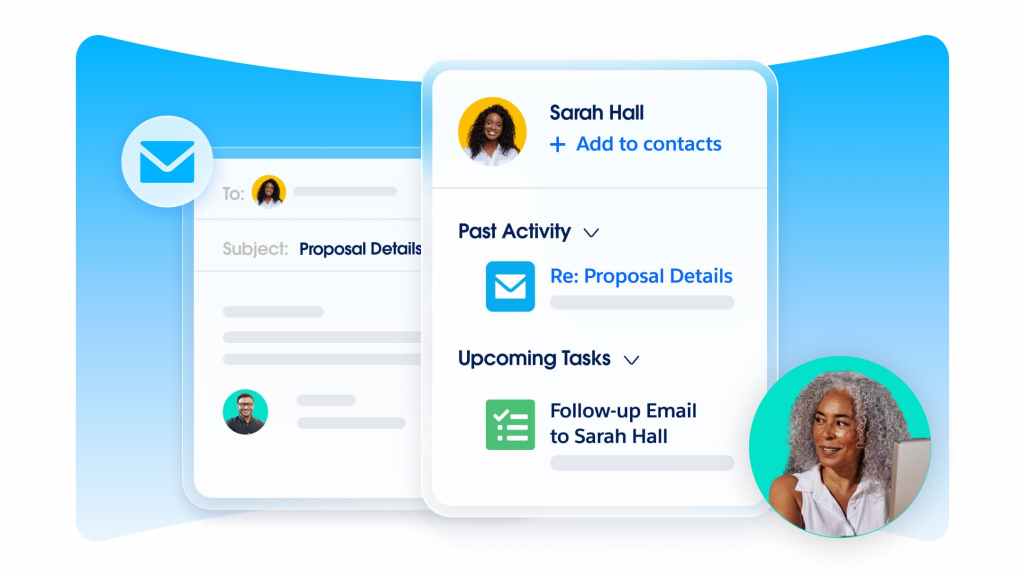
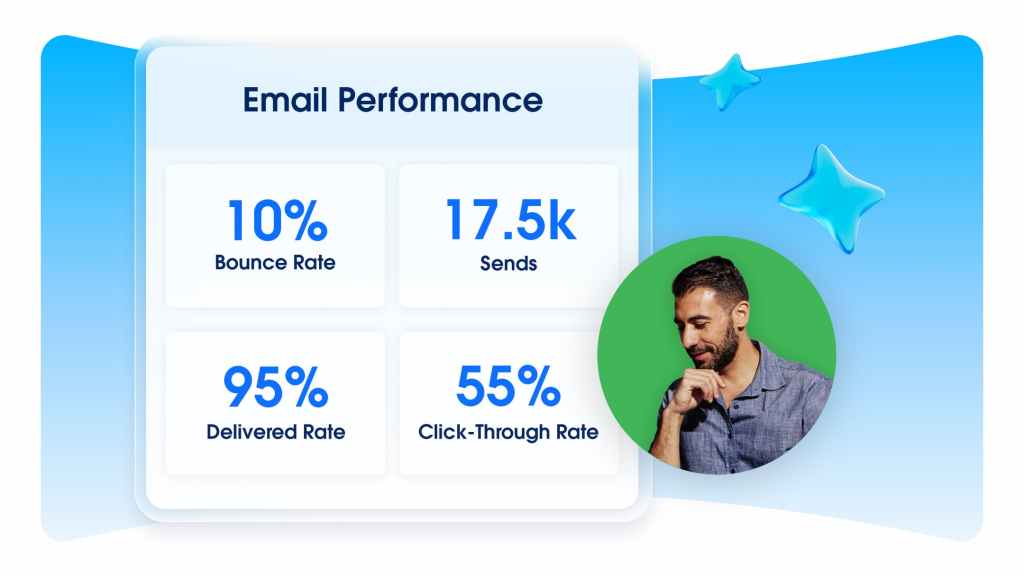
Starter Suite includes email marketing capabilities designed to help small teams communicate with prospects and customers. Depending on the workflow, businesses can use email templates, build campaigns, segment audiences, create forms and landing pages, and review campaign analytics.
Keeping marketing activity connected to customer records can make it easier to understand how prospects interact with a business before they become customers. It can also reduce the need to move between disconnected tools for basic CRM and campaign tasks. For another perspective, compare our guides to HubSpot CRM and marketing tools and the Brevo email marketing and CRM platform.
Make every follow-up more informed
Explore how Salesforce connects customer records with sales and marketing activity, helping your team work from a more consistent view of each relationship.
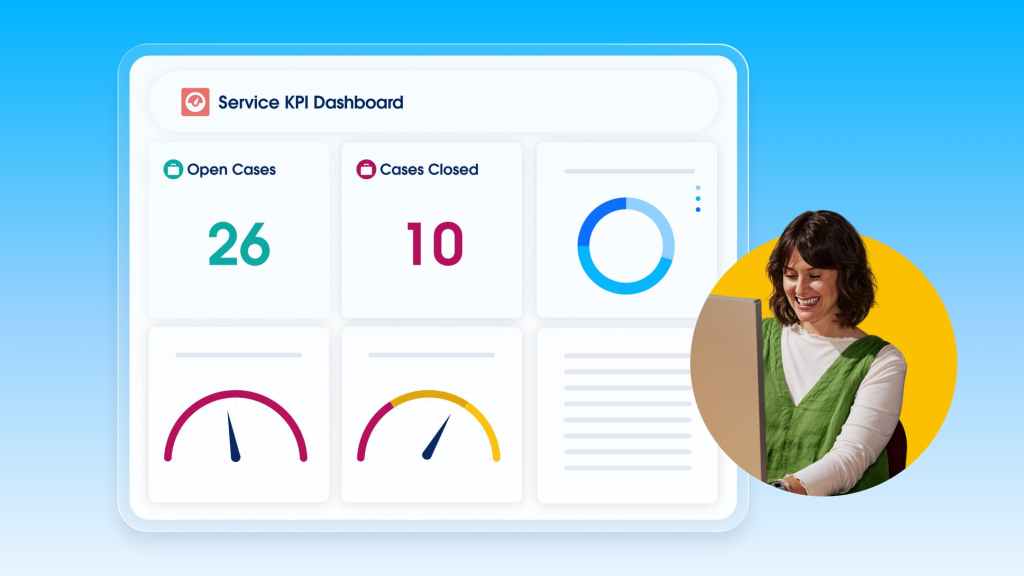
See the Starter Suite features →Customer support is another part of the suite. Case management, integrated email support, and knowledge management help businesses keep service requests organized and make useful information easier to access.
For a small team, having service history alongside sales and contact information can make handovers smoother. Staff can get more context before responding instead of searching through multiple inboxes or asking customers to repeat information.
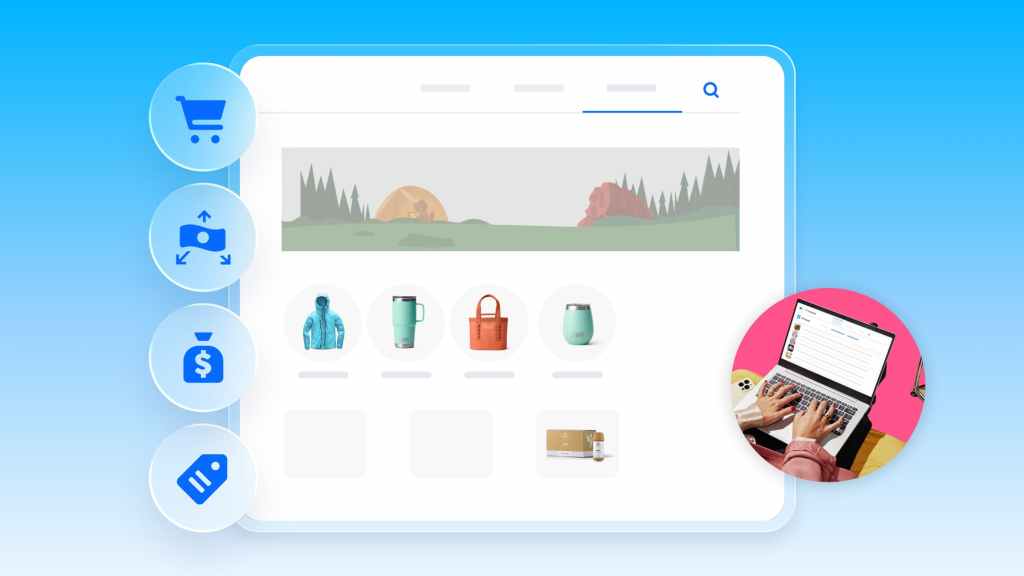
Starter Suite also includes commerce capabilities. Depending on the feature and market, these can support an online storefront, product and category management, promotions, checkout experiences, and payment links. This gives eligible businesses a way to connect parts of the buying experience with their customer data.
Businesses should review the exact commerce features, payment availability, and any transaction-related charges for their country before relying on these tools as their primary checkout solution. Salesforce explains the available storefront and payment-link workflows in its official guide to selling online with Starter and Pro Suite.
Salesforce positions AI as part of the Starter Suite experience. AI-assisted capabilities can help users summarize records, draft emails, and work with customer information. Salesforce also describes Agentforce Coworker as an AI teammate that can answer questions using Salesforce data and assist with tasks, with confirmation required for certain record updates.
AI should be treated as an assistant rather than an automatic replacement for human review. Teams should verify generated messages, summaries, and suggested actions before sending them to customers or using them to make business decisions.

Starter Suite includes a connected Slack workspace, helping teams keep collaboration closer to their CRM workflows. Salesforce also provides guided onboarding to help new users configure the product and begin working with its core features. If you want to connect a CRM with other business applications and automate handoffs, see our Zapier workflow automation review.
Salesforce currently lists Starter Suite from US$25 per user per month, billed monthly or annually, with transaction fees applying. Pro Suite starts at US$100 per user per month, billed annually with a contract required. Prices are starting prices, and product availability can vary by market.
Salesforce offers a 30-day free trial of Starter Suite for up to 10 users, according to its current Sales pricing information. Confirm the offer, eligibility, billing conditions, and regional availability on the official Salesforce website before signing up.
Published starting price
$25 USD / user / month
Starting price shown by Salesforce. Taxes, transaction fees, billing terms, and regional availability may affect the final cost.
Check current pricing →Starter Suite is aimed at businesses that want a ready-to-use CRM with core sales, service, marketing, commerce, and collaboration features. Pro Suite is designed for businesses that need more flexibility as their operations become more sophisticated.
| Area | Starter Suite | Pro Suite |
|---|---|---|
| Core CRM | Sales, contacts, leads and opportunities | Everything in Starter, with additional capabilities |
| Customization | Core configuration and custom fields | Greater customization and custom objects |
| Automation | Built-in sales flows and core processes | More advanced automation options |
| Integrations | Core connected tools and selected prebuilt integrations | Access to broader integration and AppExchange capabilities |
| Advanced sales | Core pipeline and lead management | Additional quoting and forecasting features |
Choose Starter Suite if your priority is to centralize customer information and get essential CRM workflows running quickly. Consider Pro Suite if you need deeper customization, more advanced automation, or additional sales and integration capabilities. Review Salesforce’s current feature comparison before making a decision because inclusions and limits can change.
Ready to organize your customer journey?
Explore the platform, review the current trial terms, and decide whether its connected CRM tools match the way your team works.
Explore Salesforce Starter Suite →Check eligibility, availability, and terms in your country.
Yes. It is designed for small businesses that want to manage sales, service, marketing, and selected commerce workflows in one connected CRM. Whether it is suitable depends on your team size, processes, budget, and feature requirements.
Salesforce currently lists Starter Suite from US$25 per user per month. Pro Suite starts at US$100 per user per month, billed annually with a contract required. Transaction fees, taxes, billing terms, and regional availability may affect the final price, so check the official pricing page for current details.
Yes. Salesforce describes AI-assisted features in Starter Suite, including assistance with record summaries and email drafting, alongside Agentforce capabilities. Feature availability and limits should be checked against the current plan documentation.
Yes. The suite includes email marketing capabilities such as templates, campaigns, audience segmentation, forms, and campaign analytics. Check Salesforce’s feature allocation documentation for current limits.
Starter Suite focuses on essential, ready-to-use CRM capabilities. Pro Suite adds more flexibility, customization, automation, and advanced capabilities for businesses with more complex requirements.
Salesforce states that its Starter Suite trial runs for 30 days and supports up to 10 users. Trial eligibility and availability can vary, so confirm the conditions shown during registration.
Salesforce Starter Suite is worth evaluating if your business has outgrown spreadsheets and disconnected tools but does not yet need a heavily customized CRM environment. Its main value is the combination of customer management, sales, service, marketing, commerce, Slack, and AI assistance in one platform.
It is not automatically the right choice for every small business. Compare the features you will actually use, calculate the per-user cost as your team expands, and verify local availability and transaction fees. If you are also comparing broader all-in-one marketing and sales platforms, read our Framework360 review. If the included workflows match your needs, the trial is a practical way to evaluate the platform before committing.
Product information and pricing were checked against Salesforce’s official pages at the time this article was prepared. Features, prices, trial terms, and availability may change. This article is informational and is not a substitute for Salesforce’s current product terms.
Disclosure: ClickTN may earn a commission if you sign up for Salesforce through a qualifying link in this article. This does not increase your price. We aim to explain the product clearly so you can decide whether it fits your business.
*Tunisia: Oum Ettamer, Medenine 4111
*France: 28 Rue du Guet, Clamart 92140 FR
