





*Tunisia: Oum Ettamer, Medenine 4111
*France: 28 Rue du Guet, Clamart 92140 FR


Create forms, collect responses, accept payments and automate workflows without building everything from scratch.
Explore Jotform →A form builder is a web-based platform that allows you to create, customize and manage online forms without any prior knowledge of coding or technical expertise. It’s an easy way to build powerful and responsive forms in minutes.
Well, what’s a form in the first place? Forms are used on almost every website that sees user traffic and is necessary to facilitate many types of online transactions or communication.
Any time you input contact information for a mailing list, log in to a web service, or click on what coffee you want from an online menu, you are interacting with a form.Oftentimes, but not always, forms will appear on the page as little pop-up bubbles that ask to receive our information in one form or another.Yet most don’t know how easy it can be to create forms for a personal or business website.
Form builders are great for individuals, businesses, and organizations of all sizes. If a website is being built, it will more than likely need form elements. Instead of having to build large chunks of code from scratch, form builders allow you to use pre-made templates as single lines of code.Whether you’re a solopreneur or part of a larger organization, form builders offer easy-to-use tools to create sophisticated forms that can help capture important data from customers and prospects.
Forms can be used to gather contact information, conduct surveys, accept payments, and much more. Whether you’re looking for an easy way to collect customer feedback or need a form to generate leads, forms can offer a valuable solution for any business.
A simple, feature-packed form builder
interfaceAt its core, Jotform is an online form builder that enables businesses to create customized forms to collect and organize essential data. The platform boasts an impressive array of features, including a drag-and-drop interface, customizable templates, and mobile optimization.
Jotform was founded in 2006 by Aytekin Tank, and since then, it has quickly gained momentum and popularity as one of the most versatile and user-friendly form builders on the market.With a wide range of integrations with other platforms, such as Google Drive and Mailchimp, Jotform has become a one-stop-shop for businesses looking to streamline their form data collection and organization processes.
Jotform is a powerful online form builder that stands out from its competitor’s thanks to its wide range of features and functionalities.Its intuitive drag-and-drop editor allows users to easily build forms with no coding experience needed. This means getting started with the service and beginning your first form creation is nearly foolproof.
Jotform also offers powerful integrations with over 1,000 third-party apps such as Salesforce, Google Drive, Dropbox, and Slack as well as Zapier support to automate tasks.
For our healthcare entrepreneurs out there,
Jotform offers HIPAA-compliant plans designed specifically for medical professionals who need a secure way to collect patient information.
With these robust features and integrations, Jotform makes it easy for businesses to build powerful forms without spending money on expensive software solutions.
started with Jotform is a breeze. You can create your account directly on the website by simply entering an email address, setting a password, and clicking “Create Account”.
Once you’re logged in, you’ll be taken to your dashboard where you can start creating forms.To begin building a form, users must choose from one of Jotform’s templates or start from a blank slate.Once your form is created, you can customize it by adding the form fields, images, videos, and more.
Jotform also offers easy-to-use tools that allow users to add custom rules and conditions to ensure valid data is collected without errors or typos. Finally, users can also publish their forms on websites or share links to them via email or social media.
Jotform offers a free version with basic features such as unlimited forms, secure SSL encryption and file uploads of up to 100 MB.
The free plan is great for personal projects or small businesses that want to create online forms without access to more advanced features.
For those looking for more advanced features, they offer several paid plans that start as low as $19 per month, which include payment collections, custom domain mapping, customer themes, and more.
The HIPAA-compliant plan designed specifically for medical or healthcare professionals comes at the steepest price; Jotform’s Gold membership. However, upon signing up, users can get deals on long-term plans, and Jotform often runs sales, so keep an eye out for reduced costs!
All of their plans come with unlimited support from their award-winning customer service team.
Jotform works by allowing you to create custom forms using its drag-and-drop interface.
You can start with one of Jotform’s many templates or build a form from scratch.
You can build a beautiful, functional form in just minutes without any coding knowledge.
Once you’re happy with your form, you can publish it to your website or share it via a link.
You can also integrate your form with the business apps you use most, like Salesforce, Google Drive, Dropbox, and more.
Jotform’s payment processing features also make it easy to collect payments via PayPal, Stripe, Square, and other tools.
While other form builders require a significant amount of technical knowledge, you can be an absolute rookie when using Jotform. Its interactive interface, wizards, and customer support are readily available to help you navigate around the platform. It won’t even take you a few minutes before you’re generating complex online forms from the platform!
Here’s a step-by-step guide on how you can use Jotform:
While Jotform is super easy to use and very intuitive, they have a ton of user guides, video tutorials, and a customer support team that can help you with anything you need, no matter how big or small.
Simply put, if you are running a website, Jotform could offer you a helpful service.
The appeal behind Jotform forms is the amount of time that one could save by using their pre-made form templates instead of building each one from scratch.
For less-experienced web designers or those with a packed schedule, Jotform is a necessity.
The convenience of having beautiful online forms built with the click of a button outweighs the premium price in most cases.
On the other hand, Larry Page probably isn’t using Jotform for his Google passion projects.
If you fancy yourself an expert web designer, then Jotform is not for you. It’s easier to add depth and create custom forms with an expanded programming background.With hidden domain and hosting fees piling up in the background of many internet entrepreneurs, a Jotform paid plan could be skipped.
The free version, however, holds most tools that a budget-friendly website startup would need.
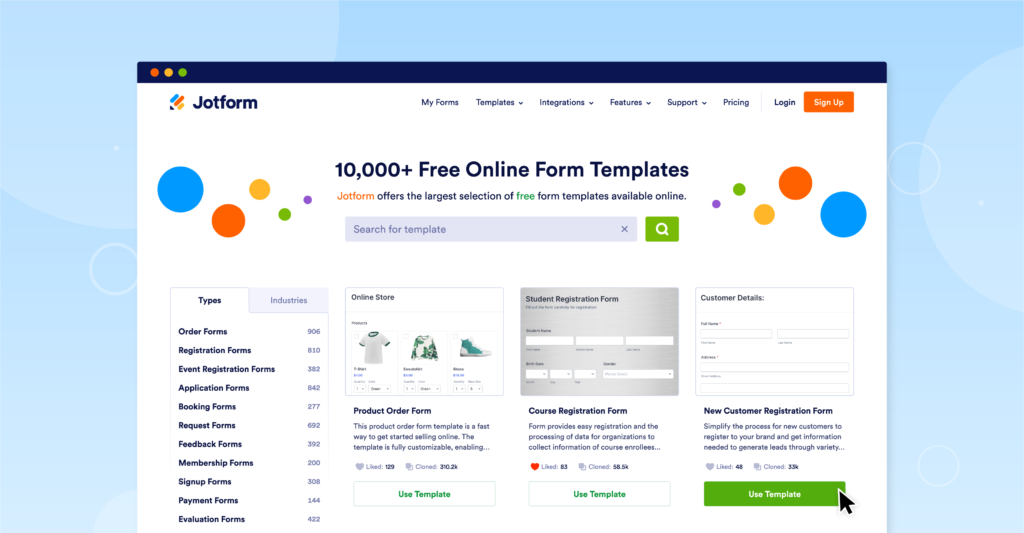
Jotform’s visual form builder helps create forms without traditional coding.
Jotform can support lead capture, registrations, payments and other business workflows.
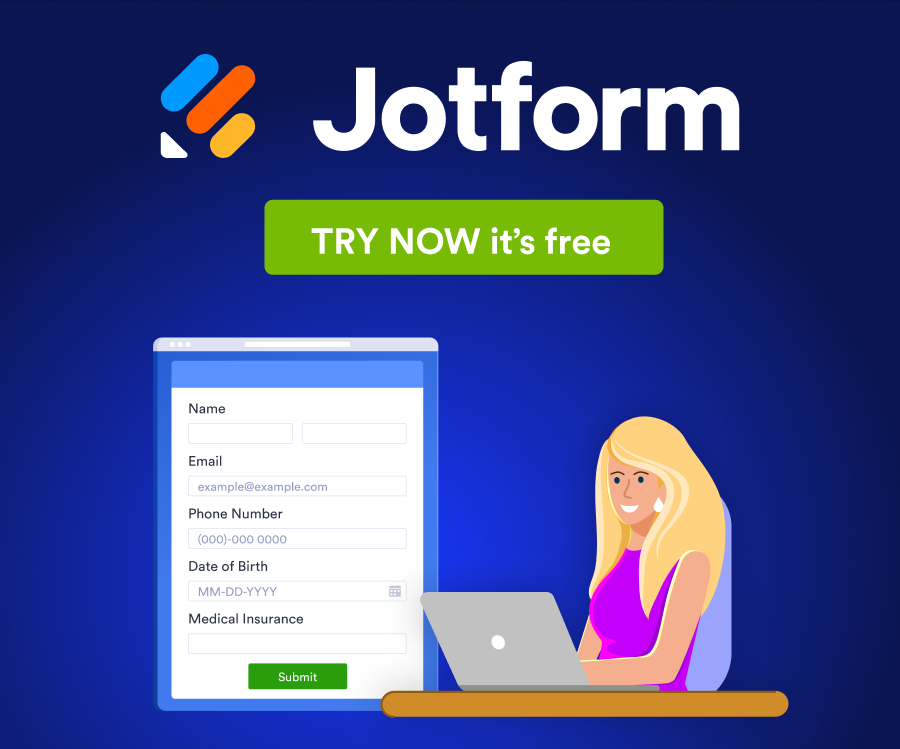
Jotform provides templates and tools for a wide range of online form use cases.
Related reading: If your forms feed into sales or customer communication workflows, read our HubSpot CRM & Marketing guide and Brevo Email Marketing guide.
Hatem Dbabra is the Founder & Digital Marketing Specialist at ClickTN, focusing on SEO, digital advertising, marketing technology and practical SaaS solutions.
Affiliate Disclosure: This article contains an affiliate link. If you sign up for Jotform through a ClickTN referral link, ClickTN may receive a commission at no additional cost to you. This does not affect our editorial assessment or recommendations.
*Tunisia: Oum Ettamer, Medenine 4111
*France: 28 Rue du Guet, Clamart 92140 FR
